Tasks and projects
Unlimited nested subtasks, timed reminders and repeat rules, plus a dedicated project management window. Delegate any task to an agent and progress writes itself back.
Cortex Desktop isn't another chat box. Speak to it and it answers. Let it click and type its way through the apps on your Mac. When one worker isn't enough, it dispatches a squad of subagents in parallel. What you get back is a finished deck, report, or document — produced entirely on your own machine.

macOS · Apple Silicon and Intel · auto-updates
These are real entry points in the app. Pick a scenario, add a line of your own, and it runs.
Examples taken straight from the scenario shortcuts inside the app.
One floating orb. It sends when you stop talking, reopens the mic when it finishes speaking, and keeps the conversation going.
No button, no shortcut to memorize. Wake-word detection runs entirely on device — ambient sound never leaves your Mac.
SenseVoiceSmall plus a streaming recognizer, covering Chinese, English, Japanese, Korean and Cantonese. Text appears while you talk; audio is never written to disk or uploaded.
No waiting for the full answer. Start talking mid-sentence and it stops to listen. Its own echo and your keyboard won't trigger a false interrupt.
Voice runs through exactly the same session pipeline as typing. It can drive your computer, create scheduled jobs, check your calendar, and call MCP tools and skills — not just chat.
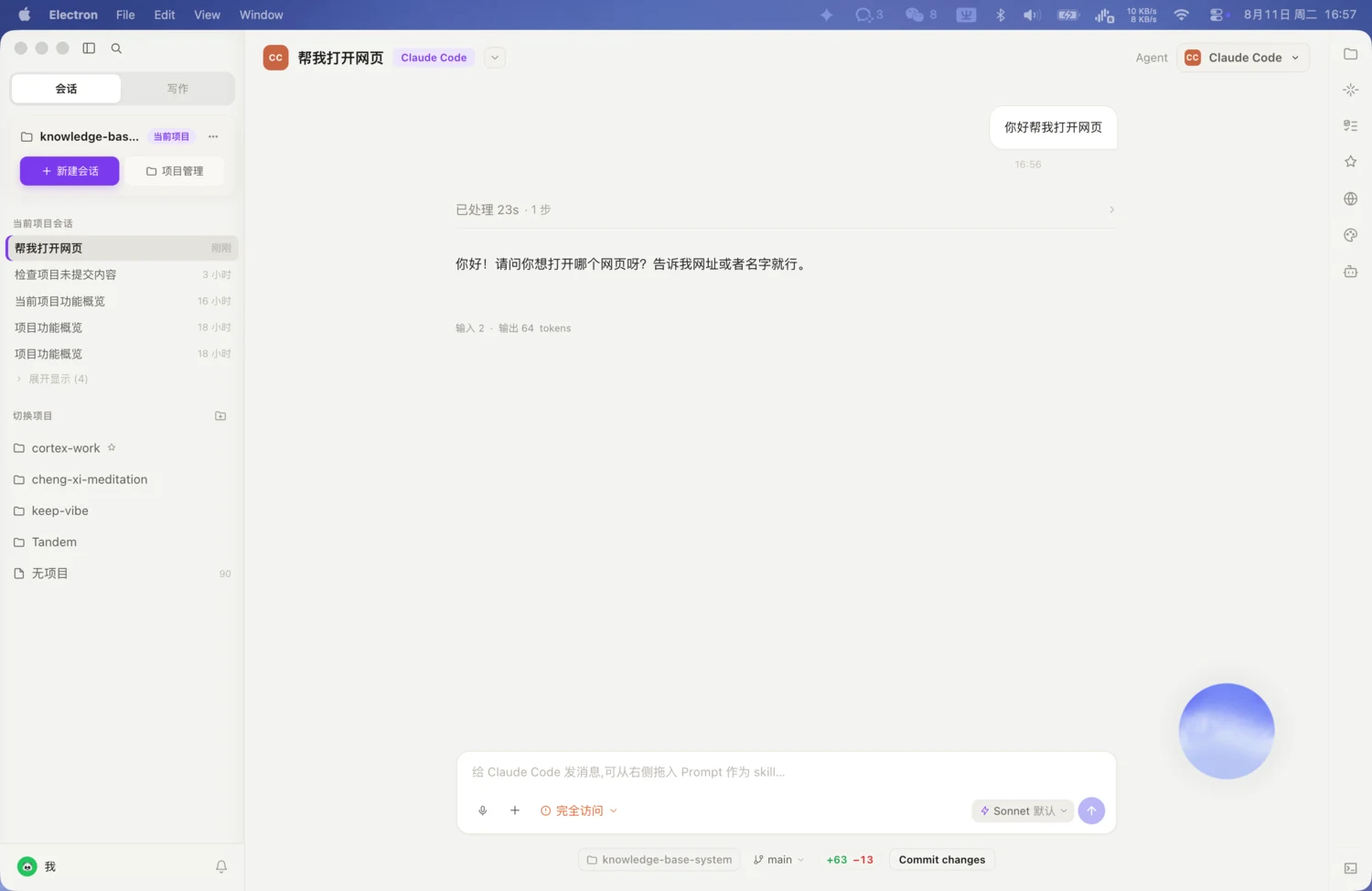
Most AI apps give you a spinner. This one opens up the middle.
What it's thinking, which tool it called, which subagent it dispatched — laid out step by step, so you always know where it is.
Generated pages, charts, SVGs and documents render as cards right there. Edits update in place and get versioned, all inside a sandbox, and they survive a restart.
Drag a session to the top, bottom, left or right of any pane to split it — no limit on how many sit side by side. Compare answers without switching tabs.
For long jobs, the goal and progress get written onto a whiteboard in the right rail, updated as you go, and saved with the session.
41s elapsed · 9 steps · 3 files read · 6 tool calls
View the full run
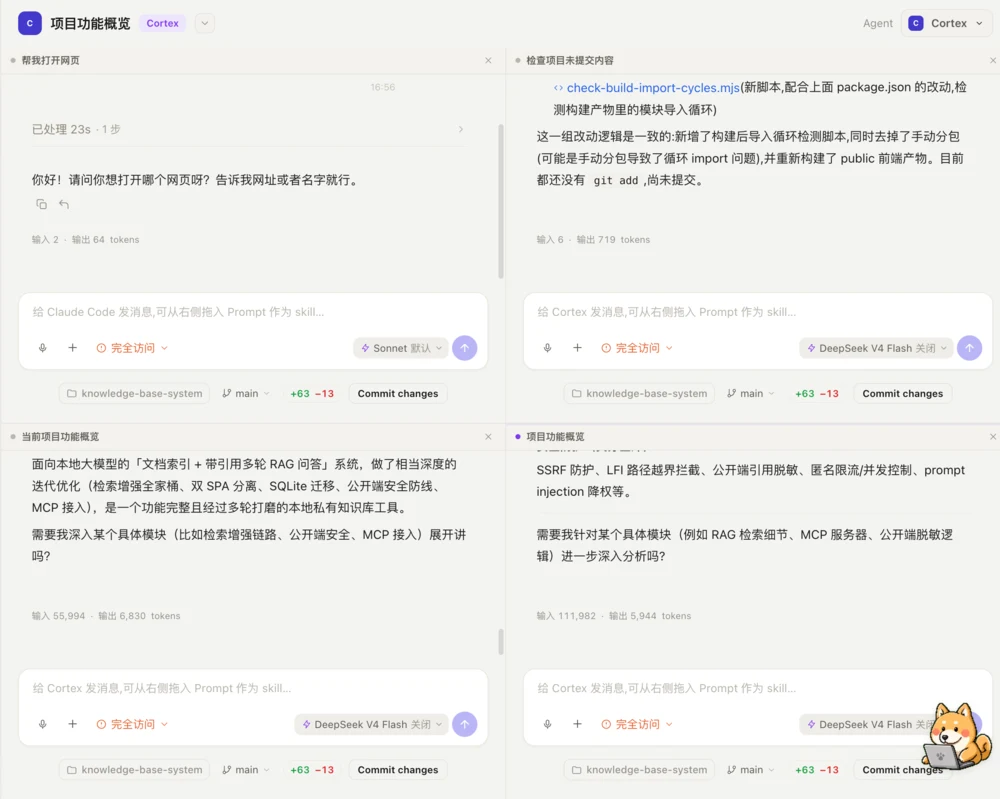
No copy-pasting into another app to format it yourself. Every one of these exports to something you can use directly.
Describe the topic and it drafts an outline first. Approve it and the deck is generated from one of 35+ built-in templates, editable page by page.
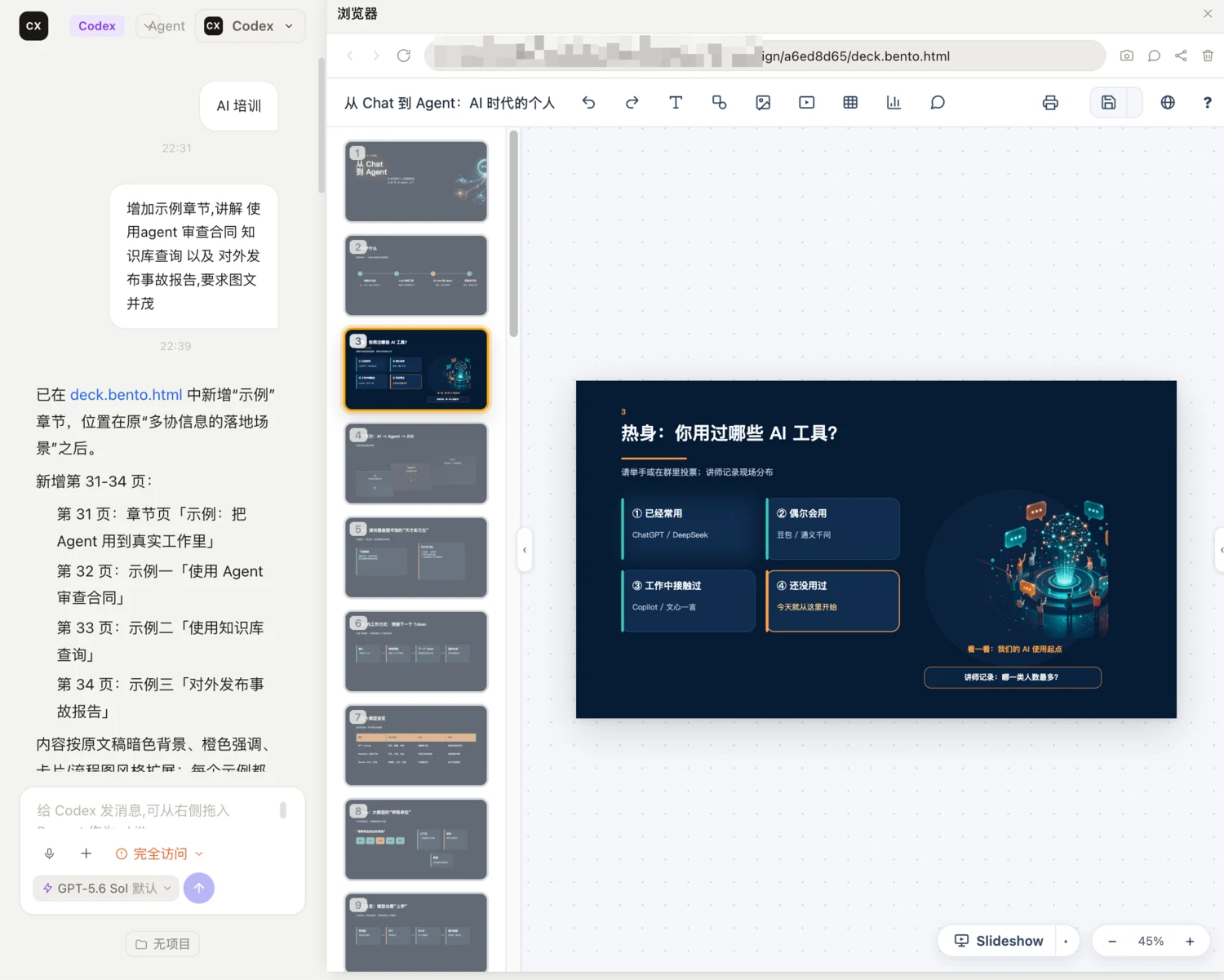
The lead agent decides how to split the job and who to hand each piece to, then runs them in parallel.
Repository explorer, code reviewer, security auditor, fact checker, UX researcher and more. Roles marked read-only can't touch your files.
Name it, give it an avatar, write its brief — and pin down which tools it may use, which model it runs on, and how hard it should think.
Turn on automatic roles and it chooses the right specialist for the task type, so you don't have to decide up front.
Each subtask shows as a live card in the conversation. Open one to read its full execution log.
You can also call people out by hand: @-mention several roles and they answer in the order you named them.
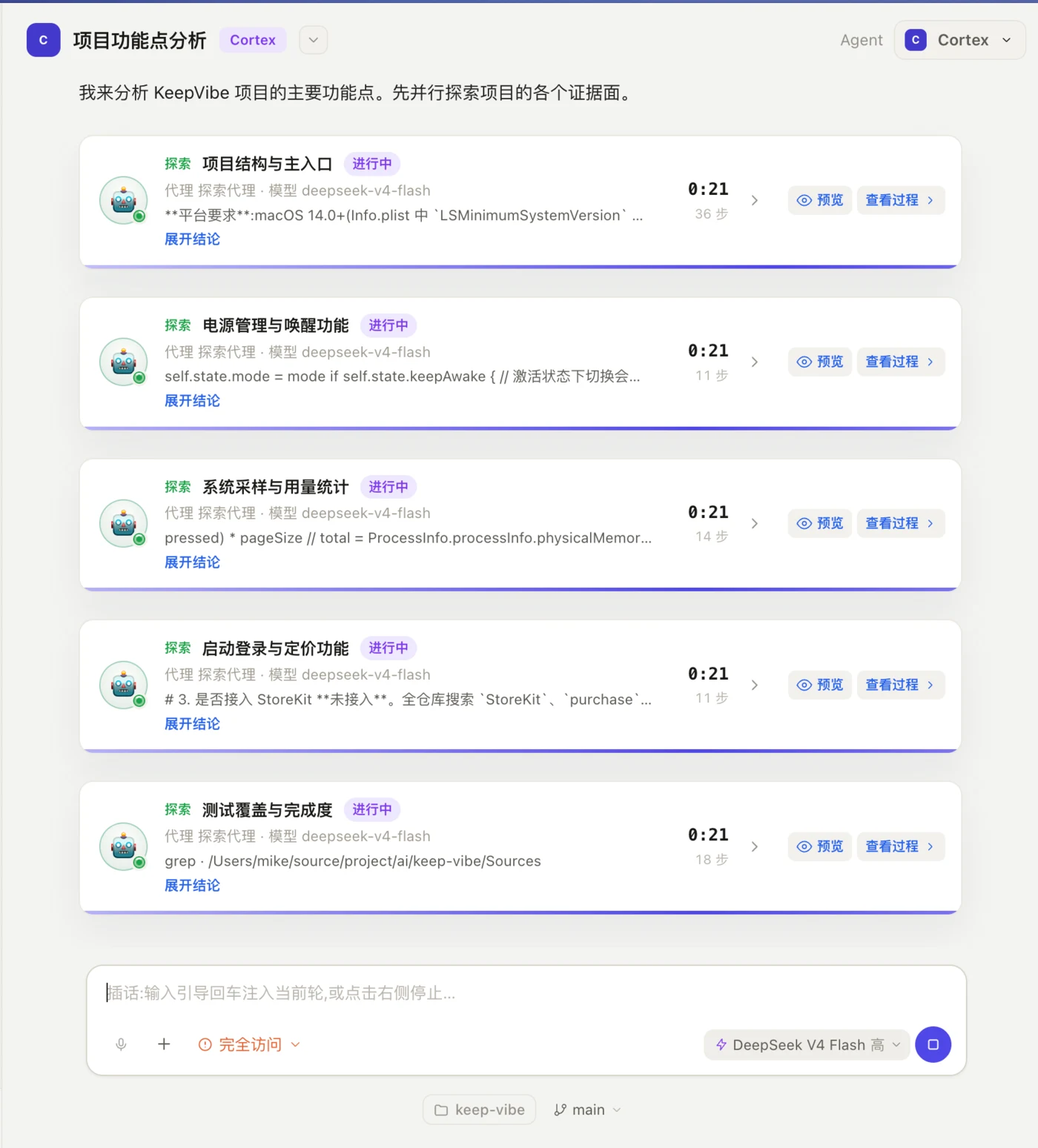
Plenty of things have no API, only a user interface. So let it click like a person would.
Clicks, keystrokes, drags, shortcuts, clipboard writes — anything that actually changes your machine requires a per-action confirmation, even when the permission mode is set to automatic. That line does not move.
It moves the mouse and types for you, driving any app on your Mac — including the old ones that never shipped an API.
An embedded browser in the right rail lets it navigate, click, fill forms, screenshot and read pages. The automation runtime ships inside the app — nothing to install first.
Built-in terminal, file tree and Git status bar. Code opens in Monaco, spreadsheets are editable down to cells and formulas, and PDF, DOCX and PPTX all preview inline.
23 document formats parsed, including legacy Office, RTF, EPUB and ODF. Headings, tables and lists keep their structure, so it doesn't misread tabular files.
This will really click on your screen. Nothing happens until you approve.
Hand off the repetitive parts and let the results come to you.
"Summarize AI news for me every weekday at 9am" — it creates the job on the spot, tagged as AI-created in the list. Creating, editing, deleting or running it all need your approval first.
26 node types to build a pipeline: schedule or webhook triggers, AI steps, conditional branches, HTTP requests, sub-workflows and loops — plus a human-approval node that waits for your sign-off.
Push to WeCom, DingTalk, Lark or email the moment a run finishes, so you're not going back to check.
Run results, workflow announcements, task reminders and available updates all land in the notification center and stay for 60 days.
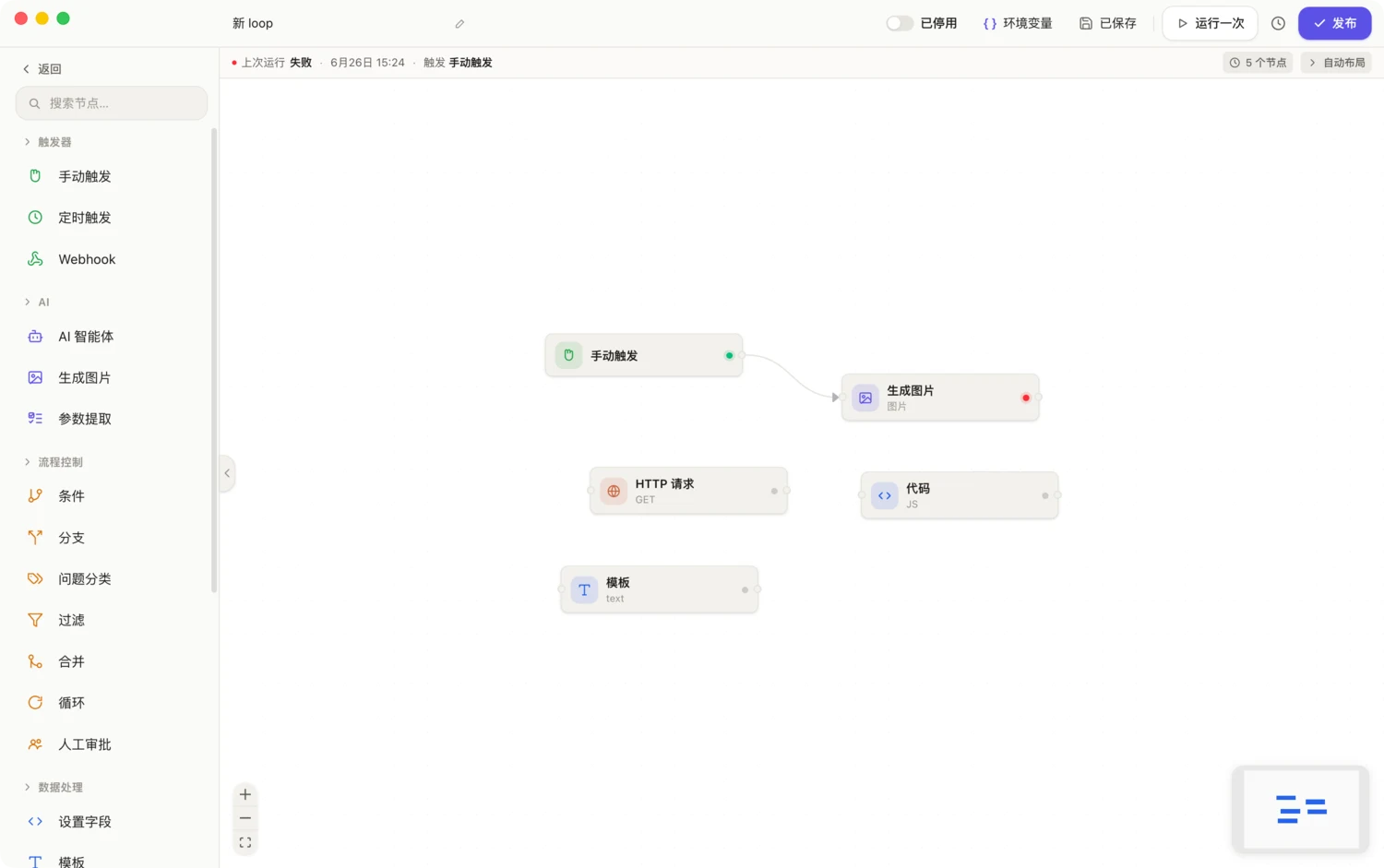
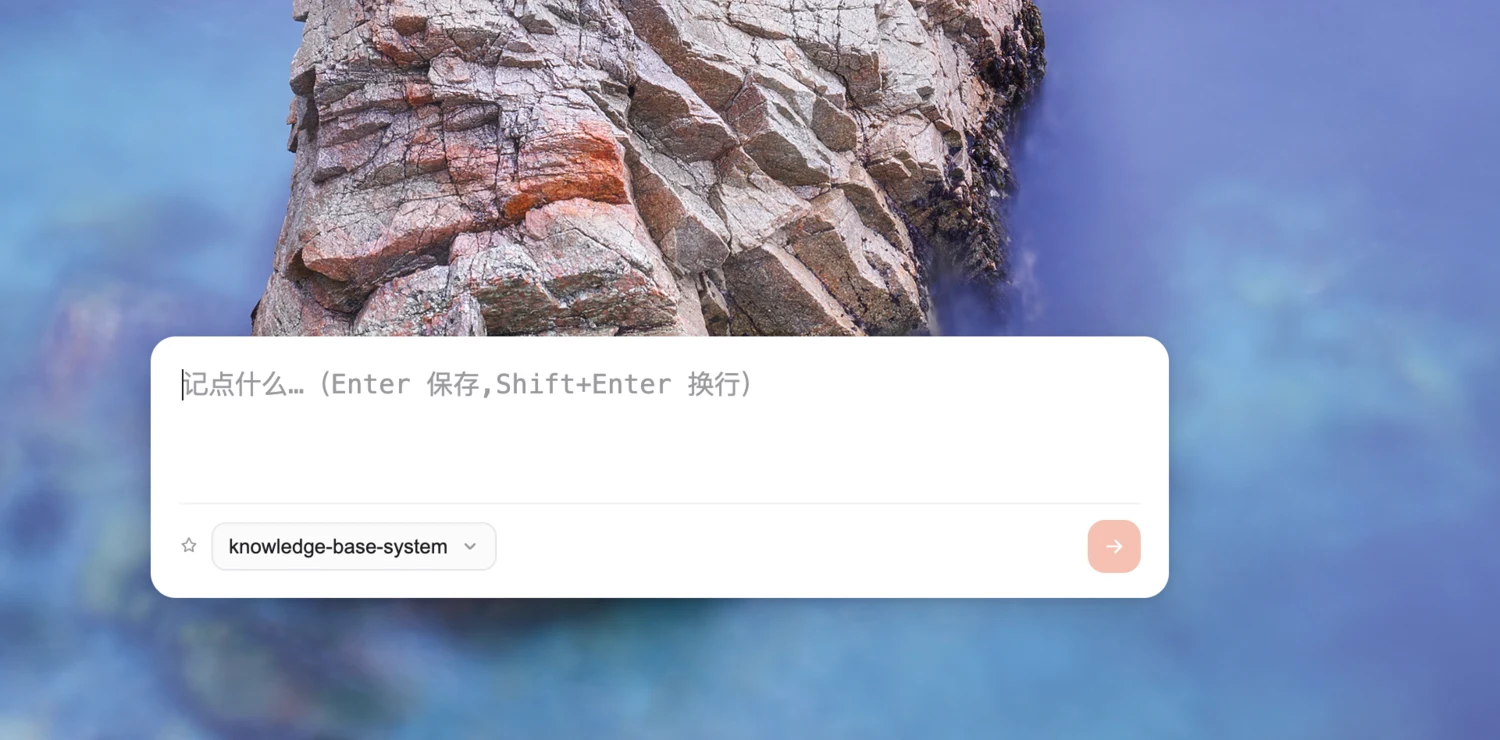
All four of these live outside the main window — no need to switch back.
Inside any app — chat, email — double-tap ⌘ or hold Fn to speak, and a non-focus-stealing bubble offers draft replies. Hit enter and it types straight into the field. It learns your tone, and pulls open slots from your calendar when you're setting a time.
Catch an idea the moment it lands. A separate overlay window — it never interrupts the current session or leaks into its context.
One hotkey brings up an input box. Throw a thought at it without hunting for the window.
Dictate into any app, push-to-talk or toggle mode. Transcripts can be auto-corrected by AI for homophones and proper nouns.

The built-in catalog covers 37 providers and over 1000 models. Five ways in; take whichever suits you.
Already paying for Claude, ChatGPT or Copilot? Sign in once with OAuth and use it — no separate API credit required.
The config file holds only a reference name. Nothing is written in plaintext, and the real key is decrypted at the moment of the request.
Image input, context length and reasoning tiers are resolved automatically. When they can't be determined, they're marked unknown rather than assumed.
If the provider you chose can't be resolved, it fails loudly and stops. The model shown is the model that runs.
Not add-ons. Installed with the app.
Unlimited nested subtasks, timed reminders and repeat rules, plus a dedicated project management window. Delegate any task to an agent and progress writes itself back.
During idle time and overnight it replays recent conversations, distilling your profile, preferences and project context into every future chat. Memory is stored as three markdown files you can open and edit yourself.
Connect a remote knowledge base and answers come back with citation chips — click one to read the original in the right rail.
Ask whether you're free Wednesday afternoon, or have it put the review on your calendar — it always confirms before writing.
The skill library is a two-pane file tree: templates and scripts preview and edit in place. Plugins and extensions install from the market and sync across machines.
Connect your own MCP servers over stdio or HTTP, and a dozen-plus built-in capability domains are handed to the agent out of the box.
Over 4000 to choose from. It shifts posture with the agent's state — thinking, running a tool, waiting on your approval, or failed — so a glance tells you where things stand.
Regenerating creates a branch instead of overwriting the original, so you can page between them. Sessions archive and full-text search.
Chats, notes, tasks, automations and memory all live in ~/.cortex-desktop/ — open it in Finder, they're readable, editable files.
Encrypted by macOS. The config file only ever holds a reference name; nothing lands in plaintext.
Wake-word detection and local speech recognition both run on your machine. Audio is never written to disk or uploaded.
Three execution modes: plan, ask, automatic. In plan mode it physically has no tool for writing files or running commands.
Free to download. Connect one of your own model providers in settings and you're running.
macOS · in-app auto-updates
Bring your own model provider: sign in with an existing subscription, or paste an API key.
Read the changelogA one-person product — no support ticket queue. If it feels off, misses a feature, or breaks, just say so.